If your Laravel application already runs on MariaDB, you can now add semantic search without bringing in a separate vector database, an external search service or an extra Composer package. Starting with Laravel 13.28, vector columns, vector indexes and similarity queries work on MariaDB out of the box. For small teams this means one less moving part. Embeddings sit in the same database as the rest of your data, and they are covered by the same backups, replication and monitoring you already run. Below we cover what changed, what your server needs, and the mistakes that can cost you an afternoon.
What Laravel 13.28 adds for MariaDB
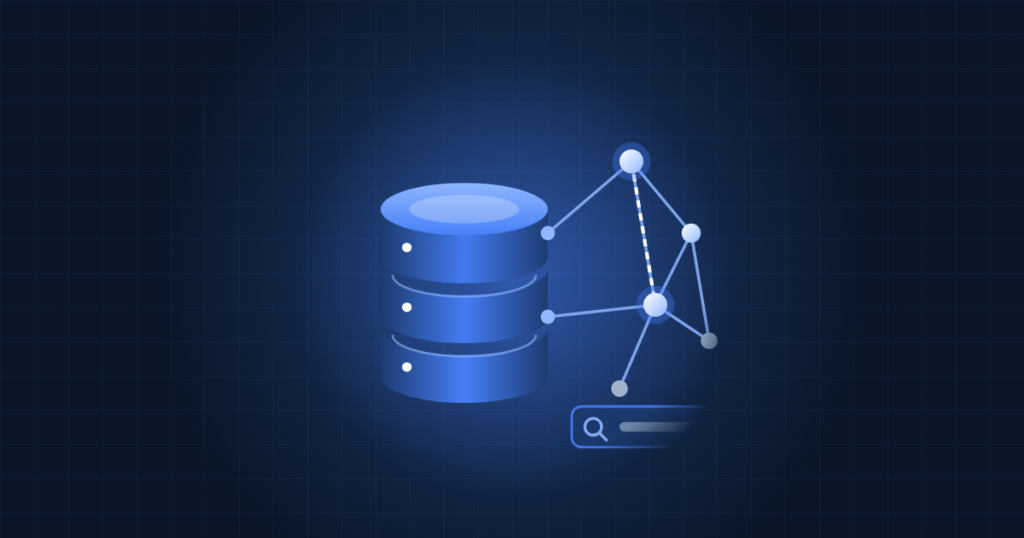
Vector search stores a list of numbers called an embedding for each record, such as a product description or a support article. An embedding model turns text into these numbers. Search then finds the records whose embeddings are closest to the embedding of the query. This lets a search for cheap flights to the coast match a document about budget beach travel even though none of the words are the same.
MariaDB has had a built-in VECTOR data type since version 11.7. What was missing was first-class support in Laravel. Laravel 13.28 provides it with:
- A
vector()column type in migrations, with adimensionsargument - Vector indexes, created by calling
->index()on the column, and a matchingdropVectorIndex()schema method - An
AsVectorEloquent cast, so the column reads and writes as a PHP array - The
whereVectorSimilarTo()query method, which compiles to MariaDB’sVEC_DISTANCE_COSINEfunction
The work came mostly from community contributors and was merged into the framework by Taylor Otwell. Laravel’s vector tests now run against MariaDB 11.8 LTS and 12.3 LTS in CI. Before that change they were quietly skipped.
Requirements and pre-flight checks
Check three things before you write any code:
- MariaDB 11.7 or newer. The MariaDB Foundation recommends 11.8 LTS or 12.3 LTS for production.
- Laravel 13.28 or newer. Laravel 12 projects still need the community package
devilsberg/laravel-mariadb-vector. - The
mariadbdatabase driver, which Laravel has shipped since version 11.
You can check the first two from the server shell:
mariadb -e 'SELECT VERSION();'
cd /var/www/your-app
php artisan --version
If the framework is older than 13.28 but still on the 13.x line, update it with Composer. Do this on a staging copy first and run your test suite:
composer update laravel/framework
php artisan --version
Many servers, especially older cPanel builds and LTS distributions, still run MariaDB 10.x. Moving from 10.x to 11.8 is a major upgrade. Take a full logical backup with mariadb-dump first, check that your other applications support the new version, and plan a maintenance window.
Adding vector search to a project
First, make sure the application uses the MariaDB driver in .env:
DB_CONNECTION=mariadbNext, add a vector column with an index in a migration. The dimension count must match the embedding model you plan to use. The example below uses 1536:
$table->vector('embedding', dimensions: 1536)->index();Then cast the column on the model:
protected function casts(): array
{
    return ['embedding' => AsVector::class];
}
Now you can query by similarity:
Document::query()
    ->whereVectorSimilarTo('embedding', 'best wineries in Napa Valley')
    ->limit(10)
    ->get();
When Laravel’s AI SDK is installed, the search string is turned into an embedding for you. You need to add your provider’s API key to .env. Hosted providers such as OpenAI charge per token. Ollama runs models on your own hardware at no per-request cost, which is worth a look if you have spare CPU or GPU capacity, or if data must stay on your premises.
Caveats that catch people out
The mysql driver half-works
If DB_CONNECTION is still mysql, ordinary queries keep working because MariaDB speaks the MySQL protocol. Vector queries and vector indexes, however, will throw exceptions. Many projects that moved from MySQL to MariaDB never changed this setting, so check it first.
Skip the pgvector helper
Schema::ensureVectorExtensionExists() exists for PostgreSQL’s pgvector extension and throws an error on MariaDB. MariaDB’s vector type is built in and needs no extension, so leave that call out of your migrations.
Distance functions must match the index
Laravel core supports cosine distance only. Euclidean distance and index tuning (the M parameter) are available in the separate rhaima96/laravel-vector-metrics package. MariaDB only uses a vector index when the query’s distance function matches the one the index was built with. If you switch metrics, rebuild the index, or queries will silently fall back to slower scans.
Dimensions are a contract
Changing embedding models usually changes the dimension count. That means a new column or a migration, plus re-embedding every row. Pick the model carefully before you load millions of records. The MariaDB article cites testing on 2,942 job titles where correct top results rose from 14% to nearly 60% just by changing the model and how it was prompted. Model choice matters more than any database setting.
Operational checklist
- Confirm MariaDB 11.7+ (ideally 11.8 or 12.3 LTS) on production, staging and developer machines
- Set
DB_CONNECTION=mariadbeverywhere, including CI - Budget for extra storage and RAM, since a 1536-dimension vector per row adds up quickly on large tables
- Run the initial embedding job as a queued, rate-limited task so you do not hit provider limits or overload the database
- Check that your backup and restore process handles the new columns, and test a restore
- Watch query latency after deployment to confirm the vector index is actually being used
How TechProvidence can help
Adding vector search often means upgrading MariaDB first, and that is where most of the risk lies. TechProvidence handles MariaDB major-version upgrades on standalone servers, cPanel/WHM systems and AWS, along with Laravel deployment pipelines, performance tuning and managed server care, so your application gets new features without unplanned downtime. If you want help planning the upgrade or rolling out semantic search, contact us.
Source: MariaDB Foundation