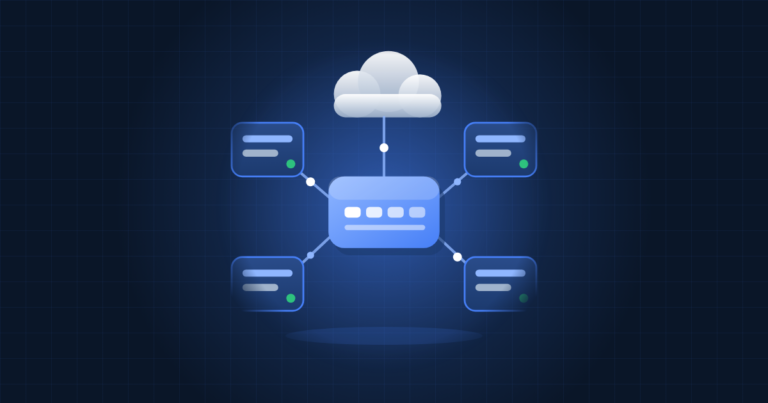
AWS has announced Lambda Web Functions, a new way to run ordinary HTTP applications on Lambda. You no longer have to rewrite an Express or Next.js app as an event handler or wrap it in an adapter. You deploy the server as it is, listening on a port, and Lambda handles scaling, routing and billing. Some teams like the serverless operating model but have stayed away because their code is built around a web framework. For them, this removes one of the biggest obstacles.
Lambda now comes in three forms
With this launch, AWS describes Lambda as having three form factors, all isolated with Firecracker:
| Form factor | How it works | Best suited to |
|---|---|---|
| Event Functions | Event handler, one request per environment, wall-clock billing | Queue consumers, event processing, calls from other AWS services |
| Web Functions | HTTP server on a port, up to 128 concurrent requests per environment, active CPU billing | Web apps, API backends, I/O-heavy HTTP workloads |
| MicroVMs | Stateful sandboxes with a lifecycle you manage | Untrusted or user-generated code |
The classic Lambda model you already know is what AWS now calls Event Functions.
What is different about Web Functions
Many requests per environment
A classic Lambda environment handles one request at a time, so a spike in traffic means a spike in new environments and cold starts. A Web Function environment can serve up to 128 requests at once. During a burst, requests share environments that are already warm instead of each one waiting for a new one to start. That works well for server-side rendering, API backends and endpoints that stream AI responses, where most of the time goes to waiting on something else.
Billing on active CPU
CPU is charged only while your code is actually running. Memory is charged for as long as the environment exists. A request that spends most of its time waiting for a database or an upstream API therefore uses little billable CPU. The announcement does not give rates, so check the Lambda pricing page and model the cost against your real traffic before you commit.
One global URL
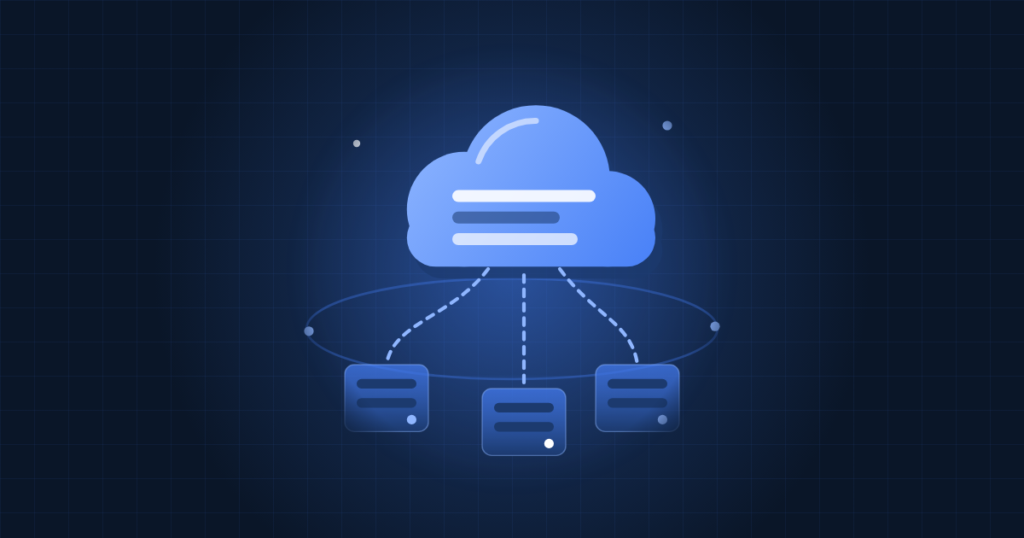
You can list several regions at deploy time. Lambda copies your code to each region and sets up latency-based routing automatically. AWS describes this routing as best-effort. Callers use a single URL ending in lambda-web.global.on.aws.
Trying it out
Your server must listen on the address Lambda provides in the AWS_LAMBDA_HTTP_ENDPOINT environment variable. In an Express app, for example, you can split that value into host and port:
const [host, port] = process.env.AWS_LAMBDA_HTTP_ENDPOINT.split(':');
app.listen(Number(port), host);
When running locally, set the variable yourself:
AWS_LAMBDA_HTTP_ENDPOINT=127.0.0.1:3000 node index.jsDeployment uses the new lambda-web commands in the AWS CLI, so update the CLI first. To see the full flow with a sample app:
aws lambda-web deploy --name hello-world --hello-worldTo deploy your own app to one region:
aws lambda-web deploy --name my-web-app --code ./my-appThis command bundles the source, creates the function, publishes an immutable revision, attaches an endpoint and returns an HTTPS URL. To deploy to several regions, add a region list:
aws lambda-web deploy --name my-web-app --code ./my-app --regions us-east-1,eu-west-1,ap-northeast-1Running the same command again uploads a new revision and points the endpoint at it. For a canary release, turn off automatic deployment on the endpoint and split traffic between two revisions:
aws lambda-web update-web-function-endpoint --function-name my-web-app --endpoint-name dev --auto-deployment-mode Disabled --revision-weights '[{"revisionId": "<current-revision-id>", "weight": 90}, {"revisionId": "<new-revision-id>", "weight": 10}]'Before you move a production app
- Runtime: at launch only Node.js 24 (nodejs24.x) on Arm64 is supported. Any native npm dependencies need Arm64 builds, so test them before migrating.
- Regions: available in US East (N. Virginia), US East (Ohio), US West (Oregon), Europe (Ireland) and Asia Pacific (Tokyo).
- Shared state: with up to 128 requests in one process, module-level variables are shared between users. Code written for one request per environment, such as code that stores request data in globals, needs a review.
- Sessions and files: traffic is spread across environments and regions, so keep sessions and uploads in shared storage rather than in memory or on local disk.
- Database latency: your code may run in three regions while your database sits in one. VPC connectivity is supported, but measure the round trip to your data before turning on extra regions.
- Caching and access: you can put CloudFront in front, cache static assets there, and attach origin access control so only your distribution can call the endpoint.
- Rollback: revisions are immutable, so rolling back means pointing the endpoint at the previous revision.
How TechProvidence can help
TechProvidence helps businesses design and run workloads on AWS, from single EC2 servers to serverless and multi-region setups. We can review whether Web Functions suit your application, compare the cost with your current hosting, build the deployment pipeline and handle the migration with a tested rollback path. To discuss your project, contact us.
Source: AWS News Blog