AWS has launched Amazon ECS Gateway, a managed ingress layer for containerized services on Amazon ECS. Until now, exposing a new ECS service usually meant setting up its own Application Load Balancer, a TLS certificate, a WAF web ACL and security groups by hand or in Terraform. ECS Gateway handles that plumbing for you and creates the resources directly in your own account. If you run several ECS services, it can cut out a lot of repetitive infrastructure code, and with it a common source of configuration mistakes.
How ECS Gateway Works
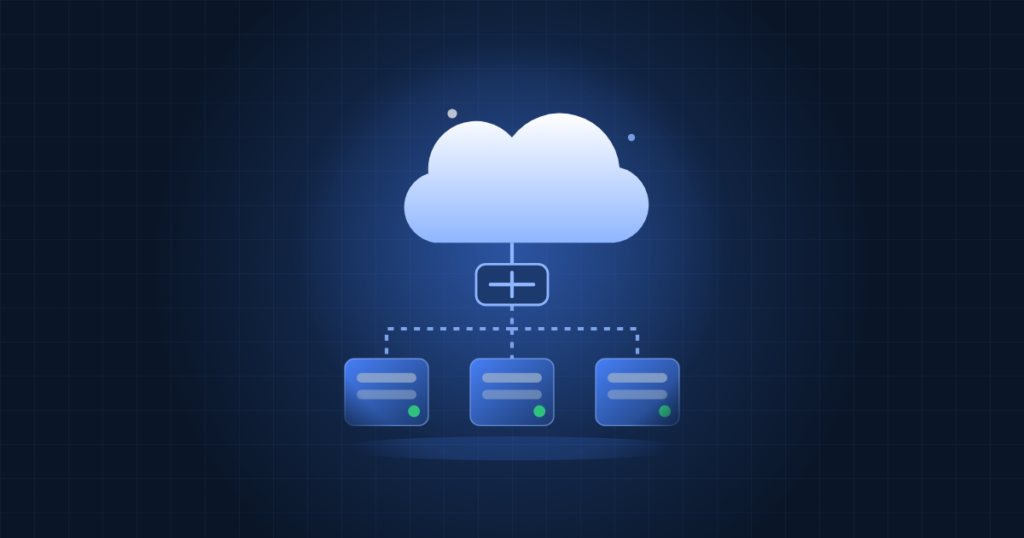
A gateway is an account-level resource. The work is split into two roles.
- Platform teams create the gateway and set the standards: subnets, security groups, TLS certificates, listener settings and an optional WAF web ACL. They then associate the gateway with one or more ECS clusters.
- Application teams opt in by adding a gateway connector to a service when they create or update it.
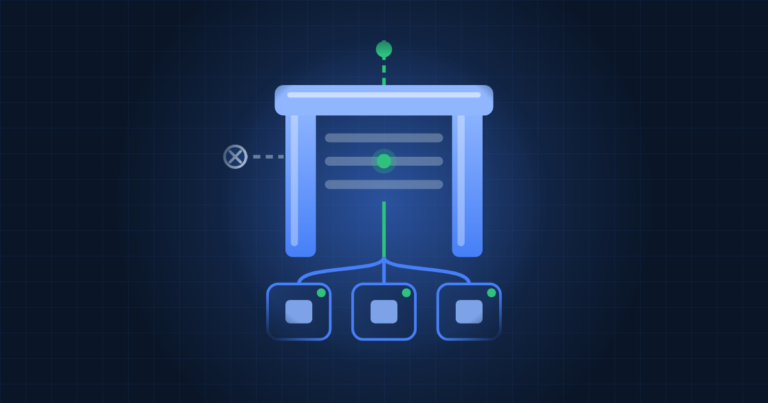
When a service connects, ECS provisions what it needs. Each service gets an ACM certificate, its own DNS hostname, listener rules, a target group, and a service security group that only accepts traffic from the load balancer. Routing is host-based, and up to 25 services can share one ALB. ECS adds ALBs as capacity runs out and removes them once they are no longer used.
On every deployment, ECS checks the gateway associations again and connects or disconnects services as needed. Deleting a service disconnects it from all gateways and removes its resources. If it was the last route on an ALB, that ALB is removed too.
Setting It Up
In the console you give the gateway a name, choose an infrastructure role, pick a public or VPC-internal scheme, and optionally set the listener, port, maximum ALB count and web ACL. You can associate clusters at creation time or later. From the AWS CLI the flow looks like this:
# 1. Create the gateway (nothing is provisioned until a service connects)
aws ecs create-gateway \
  --name my-team-gateway \
  --infrastructure-role-arn arn:aws:iam::123456789012:role/ECSGatewayRole \
  --configuration file://gateway-config.json

# 2. Associate it with a cluster
aws ecs associate-gateway-with-cluster \
  --gateway my-team-gateway \
  --cluster arn:aws:ecs:us-east-1:123456789012:cluster/my-cluster

# 3. Connect a service
aws ecs create-service --cluster my-cluster --service my-api-service \
  --task-definition my-api-service:1 \
  --gateway-connectors file://connectors.json
The gateway configuration file holds the shared ALB settings, including the network configuration and the scheme (for example internet-facing). The connector file names the port from your task definition, sets an access-type filter such as PUBLIC, and defines the health check. The same --gateway-connectors option works with update-service.
Settings you cannot change later
Once a gateway exists, you cannot change its name, scheme, VPC, subnets, IP address type, or listener protocol and port. Decide these before you create it. In practice that means planning one internal and one public gateway per VPC instead of editing a single gateway later.
Limits and Requirements
| Item | Detail |
|---|---|
| Network mode | awsvpc only (EC2, Fargate and ECS Managed Instances) |
| Availability Zones | The service’s AZs must be a subset of the gateway’s AZs |
| Services per ALB | Up to 25 |
| Default max ALB count | 10. Deployments fail if this is reached with no capacity left |
| Clusters per gateway | Up to 10,000 |
| Gateways per cluster | Up to 5 |
A service only connects to a gateway when its access type matches the connector filter, it is in the same VPC, and the gateway covers every AZ of the service’s subnets. AWS recommends using the same AZ set for a cluster’s gateways and services. That avoids the most likely reason a connection silently fails to happen.
Pricing and Monitoring
The gateway itself costs nothing extra. You pay for what it provisions: ALB hours and capacity units, ACM certificates, CloudWatch logs and metrics, and data transfer. Shared ALBs can lower costs if you currently run one load balancer per service, which is a common pattern for small teams.
For monitoring, use the CloudWatch ALB metrics. The TargetGroup dimension shows traffic for a single service, and the LoadBalancer dimension shows the shared ALB as a whole. Good starting alarms are HealthyHostCount, TargetResponseTime and HTTPCode_Target_5XX_Count. Use aws elbv2 describe-target-health to see live target status.
Migrating Existing Services
You do not need a big-bang cut-over. An existing service that already has its own load balancer can get a gateway connector through UpdateService, and both ingress paths stay active. A low-risk plan:
- Create the gateway with settings that match your current subnets, certificates and WAF rules.
- Add a connector to one non-critical service and confirm it gets a healthy target group.
- Test the new hostname, including TLS and WAF behaviour.
- Move DNS to the gateway endpoint, watch the metrics, then remove the old load balancer.
- Update your Terraform or CloudFormation so the old ALB resources are not recreated.
ECS Gateway is generally available in all commercial AWS Regions where Amazon ECS is offered.
How TechProvidence Can Help
TechProvidence designs and runs container platforms on AWS, from ECS and Fargate to load balancing, WAF and infrastructure as code. We can check whether ECS Gateway suits your services, plan the gateway layout per VPC, migrate services without downtime and set up the monitoring around them. To get started, contact us.
Source: AWS News Blog