Managed databases are convenient, but at a certain size the bill can become the biggest line in your AWS invoice. The MariaDB Foundation has published a detailed real-world story from luroConnect, a managed hosting provider for Magento and Adobe Commerce, who moved a customer’s 500 GB production MariaDB database from Amazon RDS to self-managed EC2 instances. The monthly database cost fell from $13,581 to $2,326, an 83 percent reduction, with a switchover of under ten minutes. What makes the story worth reading is not the saving alone but the way the team kept a way back open at every step.
The starting point
The database served a Magento store handling roughly 1,000 orders a day. On RDS it ran on a db.r6i.12xlarge Multi-AZ primary with a db.r6i.4xlarge read replica, and the bill had reached $13,313 in June 2025 and $13,581 in July. The team moved to a Graviton x8g.12xlarge EC2 primary with 768 GB of RAM, later downsized to an x8g.8xlarge, plus a deliberately smaller read replica. Importantly, they kept the same MariaDB version on both sides, so the migration did not double as an upgrade.
How the migration was built
The work happened in stages, weeks before the actual cutover.
1. Seed the new server
A full copy was taken with mydumper, which dumps tables in parallel and records a consistent GTID position, then loaded onto EC2 with myloader. For a database this size, parallel tools are essentially mandatory; a single-threaded dump and restore would take far too long. A typical invocation looks like this (adjust threads and paths to your server):
mydumper --host=rds-endpoint --user=migrator --ask-password \
  --threads=8 --outputdir=/backup/dump
myloader --host=127.0.0.1 --user=root --ask-password \
  --threads=8 --directory=/backup/dump
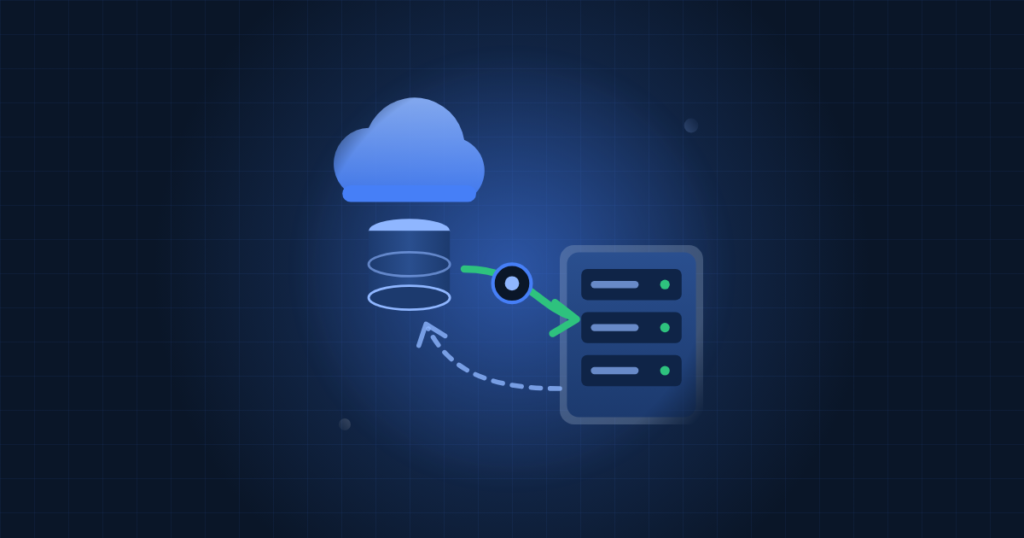
2. Replicate from RDS
The EC2 server started in read_only mode and was attached to the RDS primary as a replica using MariaDB GTIDs, then left to catch up with live production writes for days. On the replica, the general pattern is:
SET GLOBAL gtid_slave_pos = 'GTID-from-mydumper-metadata';
CHANGE MASTER TO
  MASTER_HOST = 'rds-endpoint',
  MASTER_USER = 'repl',
  MASTER_PASSWORD = '...',
  MASTER_USE_GTID = slave_pos;
START SLAVE;
SHOW SLAVE STATUS\G
On RDS you also need enough binary log retention for the replica to catch up, set with CALL mysql.rds_set_configuration('binlog retention hours', N);.
3. Prove the chain
A second EC2 replica was built from the first, confirming the new server could act as a replication source before it ever took production traffic.
4. Build the way back
Finally, a fresh RDS instance was set up as a replica of the EC2 primary. After cutover, that kept a continuously synced copy in RDS in case EC2 performance disappointed.
Two rollback paths, two kinds of failure
The team planned for two different problems:
- Something breaks during cutover. All traffic went through ProxySQL, so reverting was a matter of pointing the backend back at RDS. No data had to move, and it took minutes.
- Performance is worse after a few weeks. The RDS replica of EC2 could be promoted by stopping replication with
mysql.rds_stop_replicationand switching ProxySQL to it.
Neither fallback was needed. The customer reported that uncached pages were faster after the move.
The cutover itself
Because everything was prepared in advance, the switch was routine:
- Put the site in maintenance mode and stop Magento cron jobs.
- Promote the EC2 replica: stop replication and clear
read_only. - Switch the ProxySQL backend from RDS to the EC2 primary.
- Test the full site from a whitelisted IP.
- Lift maintenance mode.
The switch took under ten minutes, inside a 45-minute window that included thorough testing.
Lessons for your own migration
- Separate binlogs from data. An earlier RDS incident saw a broken replica cause binlogs to fill the shared volume until the primary stopped. On EC2 the team wrote binlogs to their own volume (
log-bin = /backup/binlogs/mariadb-bin). - Size the buffer pool for the working set.
innodb_buffer_pool_sizewas set to 512 GB so the dataset fit in memory, which drove much of the performance gain. - Do not copy RDS parameters blindly. Parameter groups do not map directly to
my.cnf, and values tuned for old hardware may not suit new hardware. - Migrate users and grants explicitly. Data-only dumps leave them behind.
- Plan for RDS limits. There is no
SUPERprivilege, so replication is managed throughmysql.rds_*procedures. - Route reads carefully. ProxySQL pinned writes from cron, checkout and deployment servers to the primary and only sent matching catalogue reads to the replica.
- Clean up afterwards. Retained RDS snapshots added around $1,000 a month until they were pruned.
The trade-off is real: self-managed MariaDB means you own backups, patching, monitoring and failover. For many businesses that is worth it only with solid operational support.
How TechProvidence can help
We plan and run database migrations on AWS, including RDS to EC2 moves, MariaDB replication and ProxySQL setups, and we manage the servers afterwards with monitoring, backups and patching. If your RDS bill is growing faster than your business, contact us for a migration review.
Takeaway
The safest migrations are the boring ones. Seed with parallel tools, replicate with GTIDs, put a proxy in front, and keep a synced copy on the old platform until the new one has proven itself.
Source: MariaDB Foundation